0:00
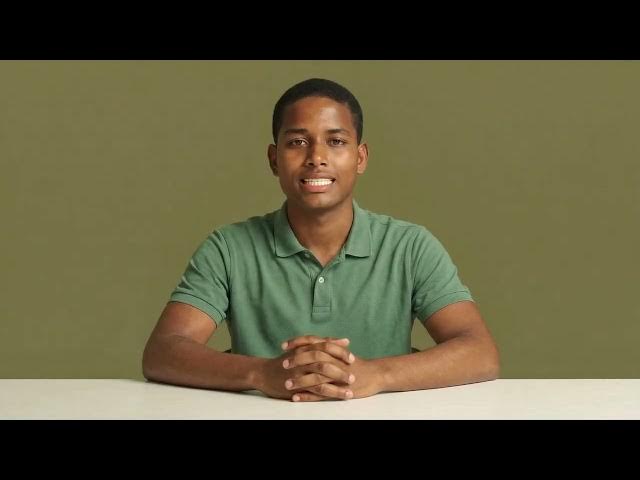
I cloned the version of my HeyGen avatar 5 digital twin.
0:03
I cloned an AI avatar clone of me.
0:06
While that sounds redundant, it was actually a strategic move to bypass two specific limitations in Seedance mode:
0:13
First, limited Customization: In Seedance, you can’t simply upload a photo to use as your avatar; the system requires a pre-existing video-generated avatar.
0:23
I did my recordings with low-quality lighting and casual clothing just to get the lip sync and duplicate my behavior and voice.
0:32
Second, the "Single Actor" Limit: You can't place the same avatar in a scene twice to have them interact.
0:38
To create a video of "me talking to me," I needed two distinct avatar files of the same person.
0:44
Since my original recordings were done with casual clothes and poor lighting, they weren't "camera-ready."
0:50
I used them strictly as a behavioral foundation to capture my unique lip movements and vocal cadence.
0:57
So, I asked Gemini to generate a text for me based on the text HeyGen generally gives to create Avatar 5 with those 15-second scripts.
1:05
But I asked to extend it to two minutes and include words with different phonemes, which helps the AI model lip movements more accurately.
1:13
I fed this long, phonetically rich text into the Avatar 5 engine along with a high-quality professional photo.
1:21
The engine used the base video to learn my behavior and the high-quality photo to create the visual skin.
1:27
This is all possible because HeyGen Avatar 5 produces long, realistic videos.
1:32
The Avatar 5 engine looks at the first video I uploaded to animate my photo with lip-sync and behavior that mimics me.
1:39
If you want to try this method yourself, you’ll need an account to get started.
1:43
You can head over to HeyGen and set up your profile to follow along with the rest of this breakdown.
1:48
But enough talk—let’s look at the result.
4:15
Then I downloaded the resulting video and upload it to HeyGen in the interface to create a new avatar.
4:23
In fact, you were looking at the results this entire video.
4:26
It is made from a photo look of this exact avatar.
4:29
This channel is for teaching creators how to create content and monetize it with ads, affiliate marketing, and selling POD and digital products.
4:39
But for so long it was inactive because I am not confident in front of a camera.
4:43
Now, you can subscribe to our upcoming videos thanks to HeyGen avatar V. I get a level of realism with AI I am proud of.
4:52
So, expect actionable tutorials fom me soon.
4:55
I have the knowledge and experience, AI does the acting.
4:58
If you haven't grabbed a HeyGen account yet, now’s a great time to set one up so you can test out these Avatar 5 features as we go.
5:07
You'll find my affiliate link in the description below.
5:09
To learn more about building a system that is valuable to an audience, and how to grow that audience to monetize traffic with ads, affiliate marketing, and digital products, go to AskEustache.com
5:22
As a bonus comparison, this is HeyGen Avatar 3, using my photo.
5:26
You can see that it does not behave like me because it does not know my facial expressions.
5:31
Now, let's go back to Avatar V. You can see a clear difference.
5:35
Just make sure you use your Avatar V credits wisely because they can be used really fast.
5:40
Fortunately, HeyGen will invite you to learn how to spend credits wisely if you opt to upgrade.